
🔗
Share with a rule
A dashboard belongs to someone and is shared with roles, teams or people — read or edit. The widgets inherit the rule, no second place for rights.
Open defects per site, jobs by status, inspections per trade, team utilisation: widgets from your apps, arranged the way you read them. The site manager's dashboard is a different one from accounting's — and who may see it is decided by the dashboard, not the widget.
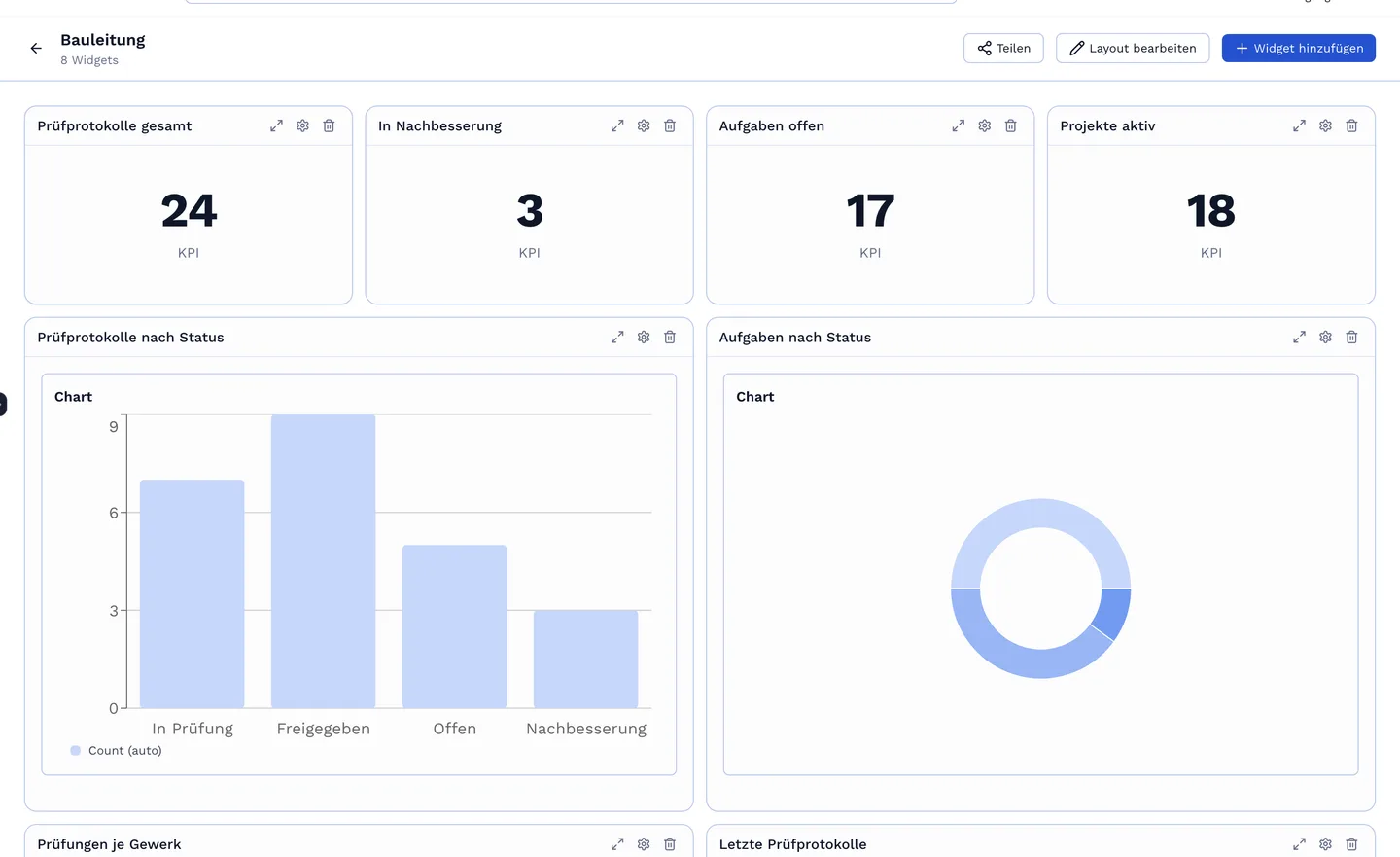
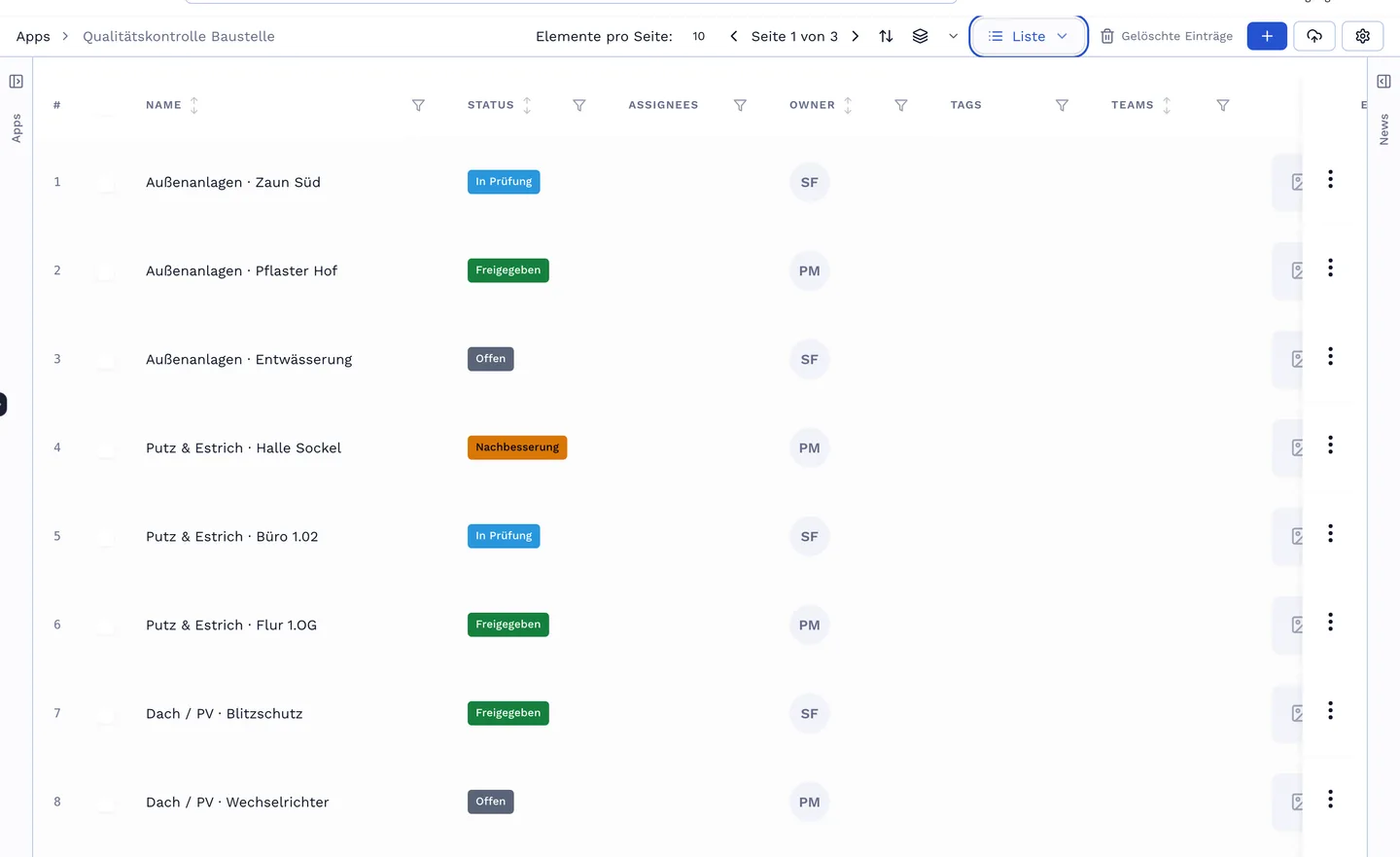
A widget is a query — app, filter, grouping — and a presentation: KPI, bar, area, pie, list, table, kanban, calendar. Saved queries from the search become widgets. Whoever wants more writes an HTML widget with its own data query; Bob can create both.
A dashboard belongs to someone and is shared with roles, teams or people — read or edit. The widgets inherit the rule, no second place for rights.
Widgets stack, charts stay readable. The dashboard of the week on the way to site.
A field widget shows one value from one specific entry — project status, budget, the next date — formatted as amount, percent or date.
No-obligation introductory call. We build a live app with you that mirrors your real workflow.